 COACH LAB
Build the session
Three taps for a day. Add the diagram, then print or export a PDF.
Choose three things — sport, age group, session length — and a full day's session is ready.
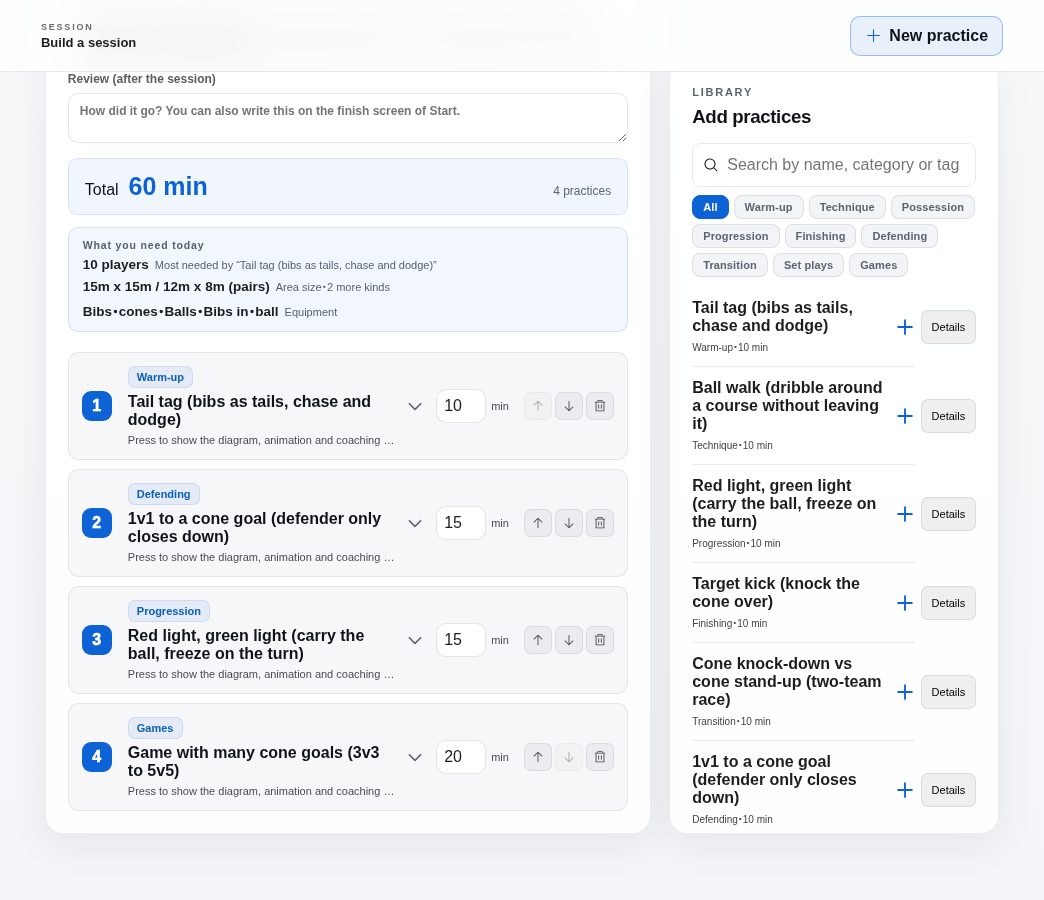
A full day, ready Order and timings are already in place. Swap anything afterwards.
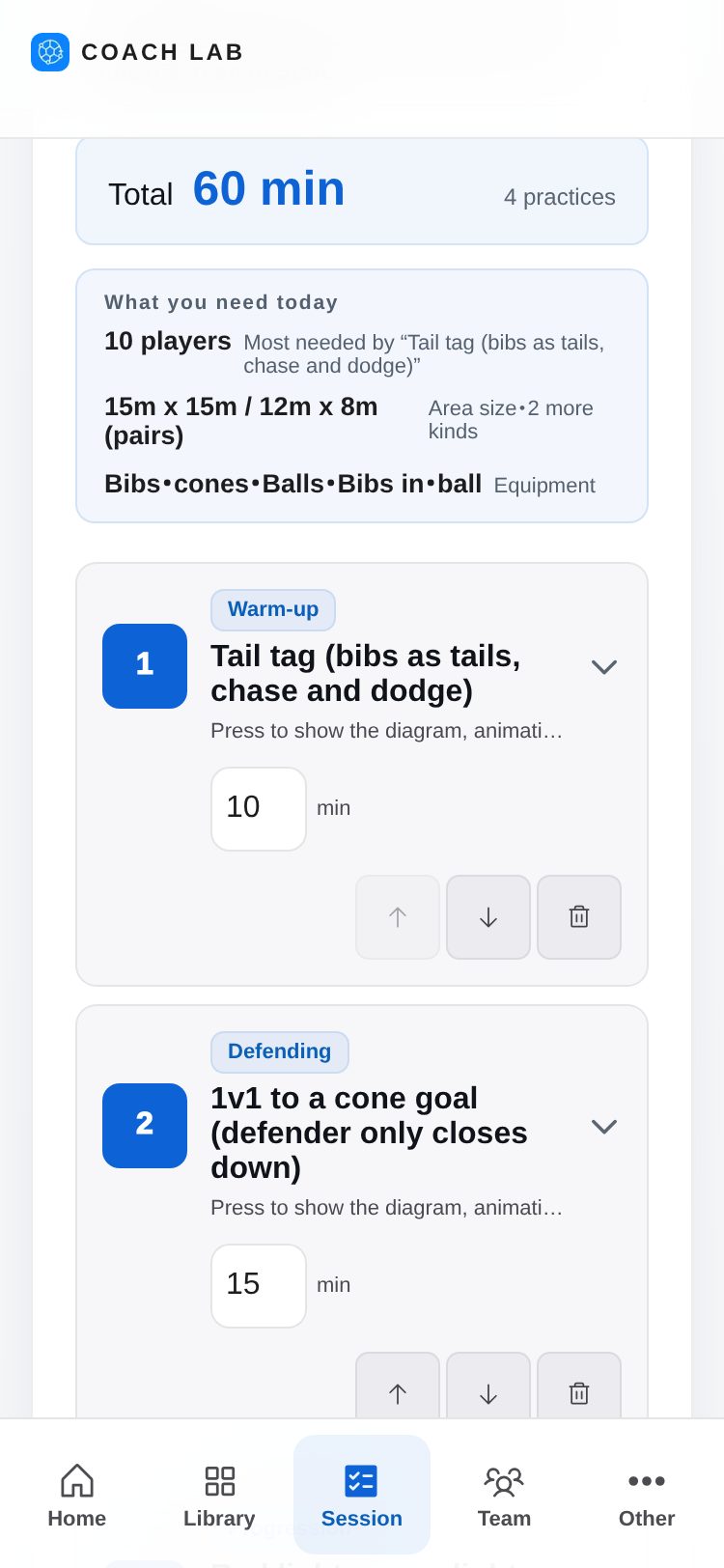
Build drills on a computer; run the day and record the match on your phone.
Three taps for a day. Add the diagram, then print or export a PDF.
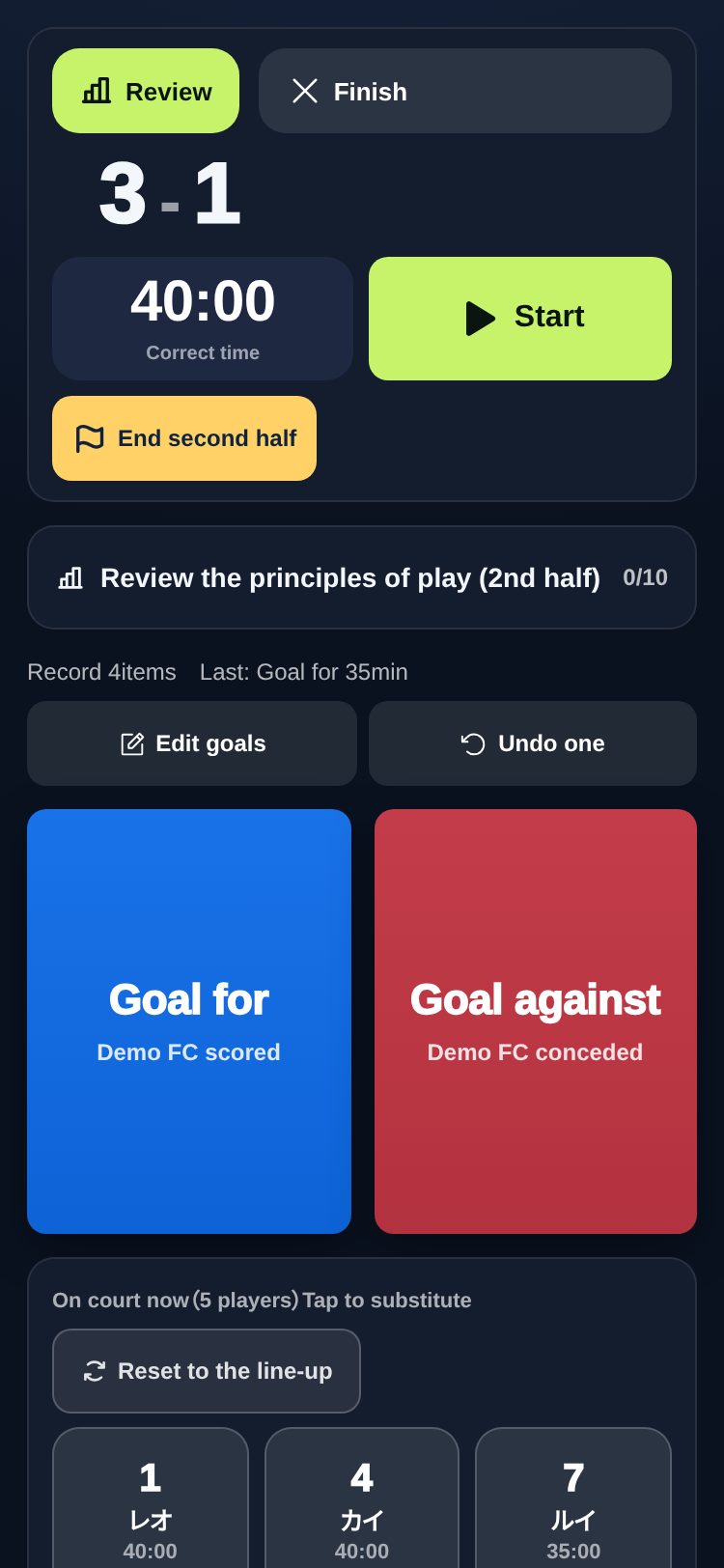
Goals are one big button. To substitute, tap the player.
Playing time and rankings. One A4 page for the team.
Sport, age group, length — nothing starts from a blank page.
Aim, organisation and coaching points, with the court and movement on the same screen.
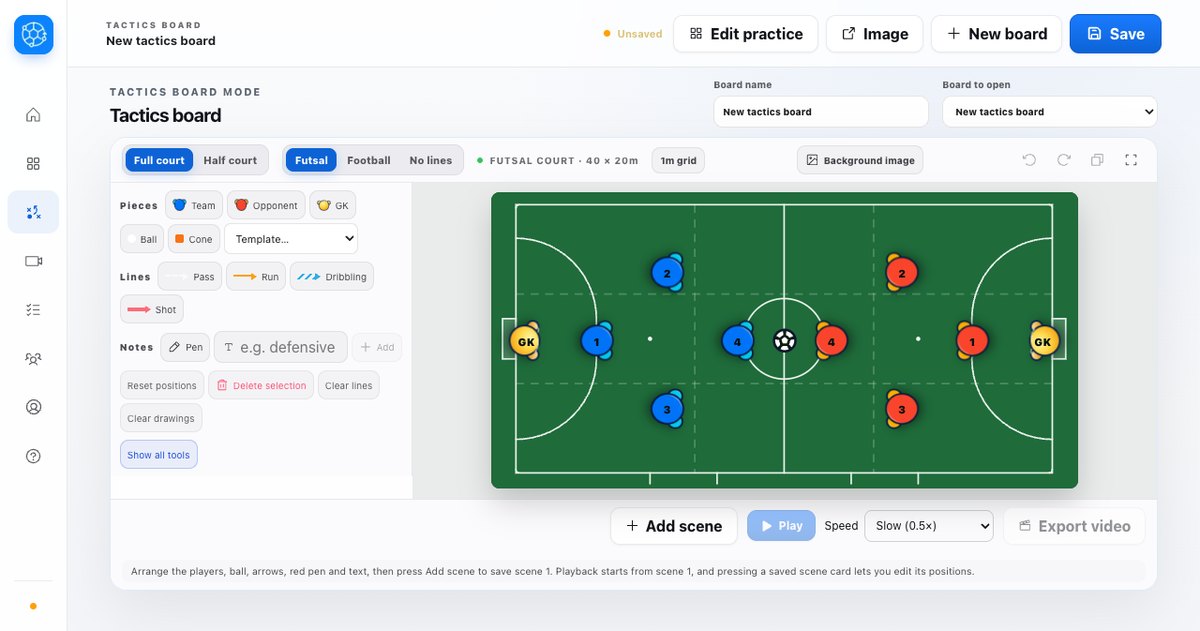
Move pieces, draw lines, play the scenes back or export them. On a phone the court turns upright so you can draw bigger.
Set the practice day in one tap. The timer runs it, and you can record a session you cut short.
A one-line roster, attendance and line-ups, live goals, substitutions and shots, then the review.
Draw straight onto the video. Track up to four players automatically.
Pass on an invite code and the coaches you invite see the same screen.
PDF, image, animation, share with staff, or a backup file.
Goals, assists, playing time, attendance and more — eight in all. Equal numbers share a rank.
Send the tactics board or video analysis to an external display.
日本語 / English / Português.
Build a session for freeOne tap with Google. No card required.
Phone screens are shown at their real size. Tap to enlarge.
Start free. Move to Pro when you need more room.
Pricing is per account. At a free limit you can still edit, run and print what you saved — only adding new items pauses.
The app is fully available in English. Please note that billing, the terms of service and the contract are in Japanese, under Japanese law.
For the details: nine real screens.
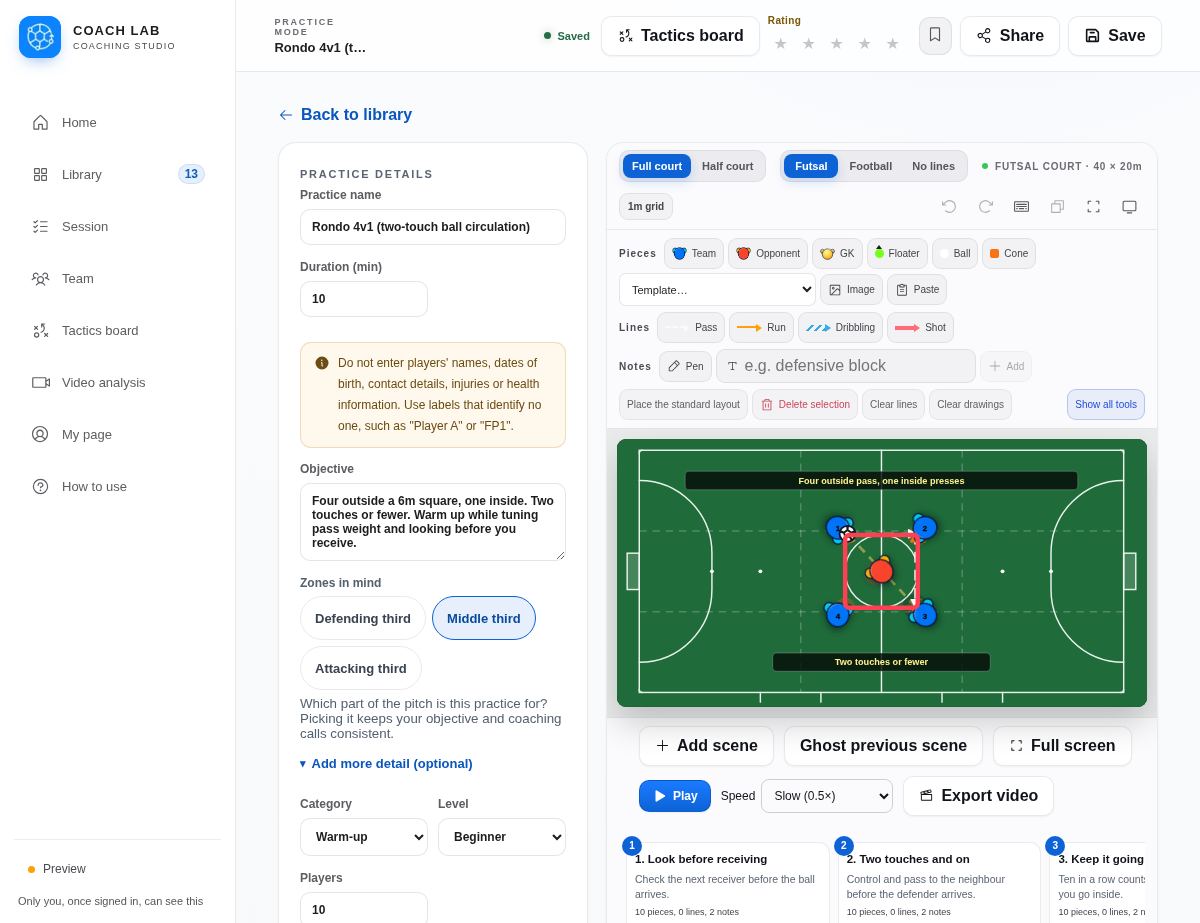
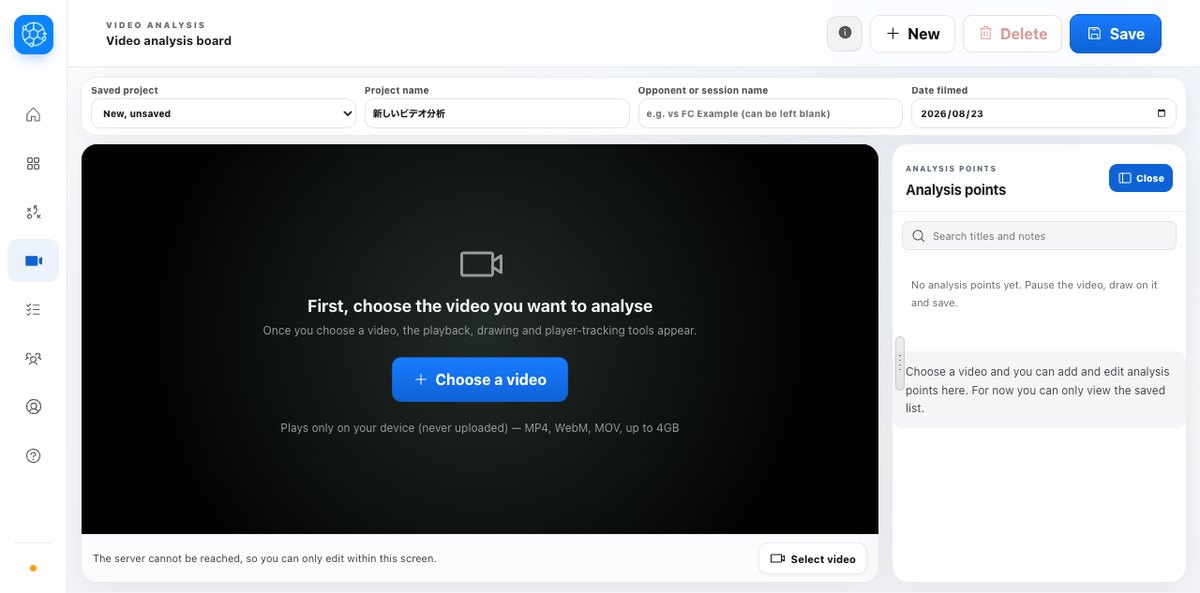
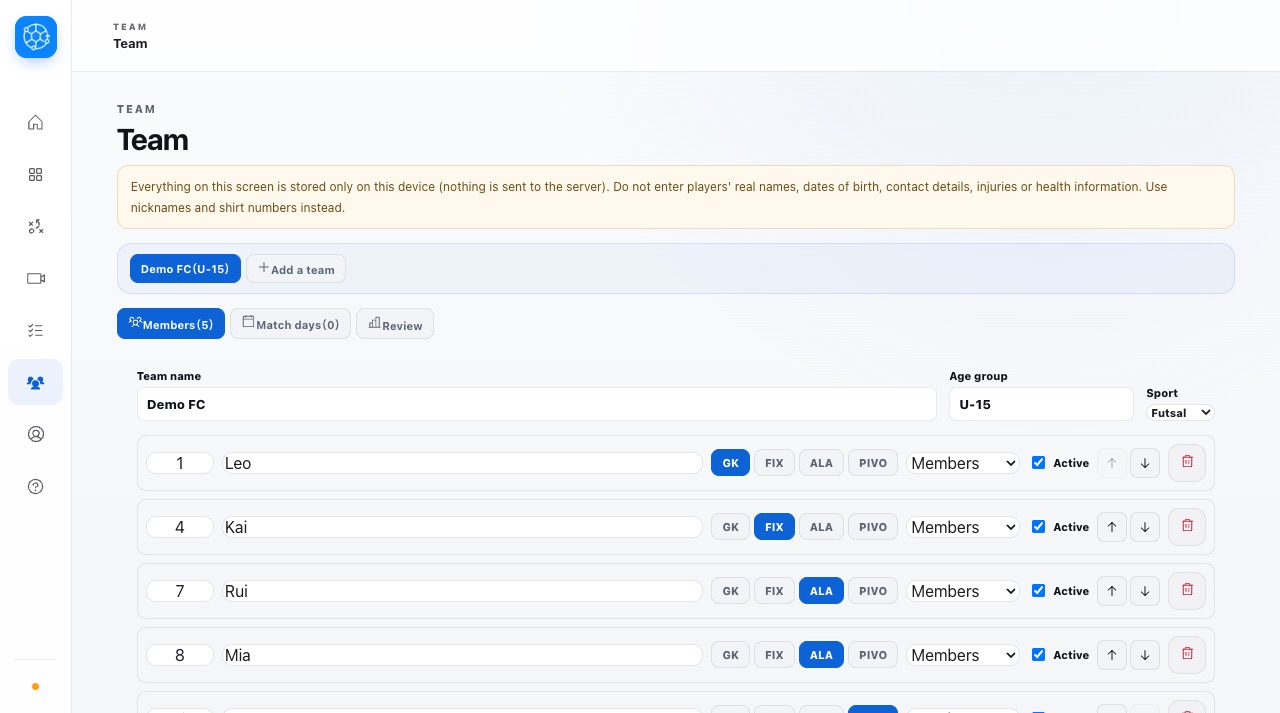
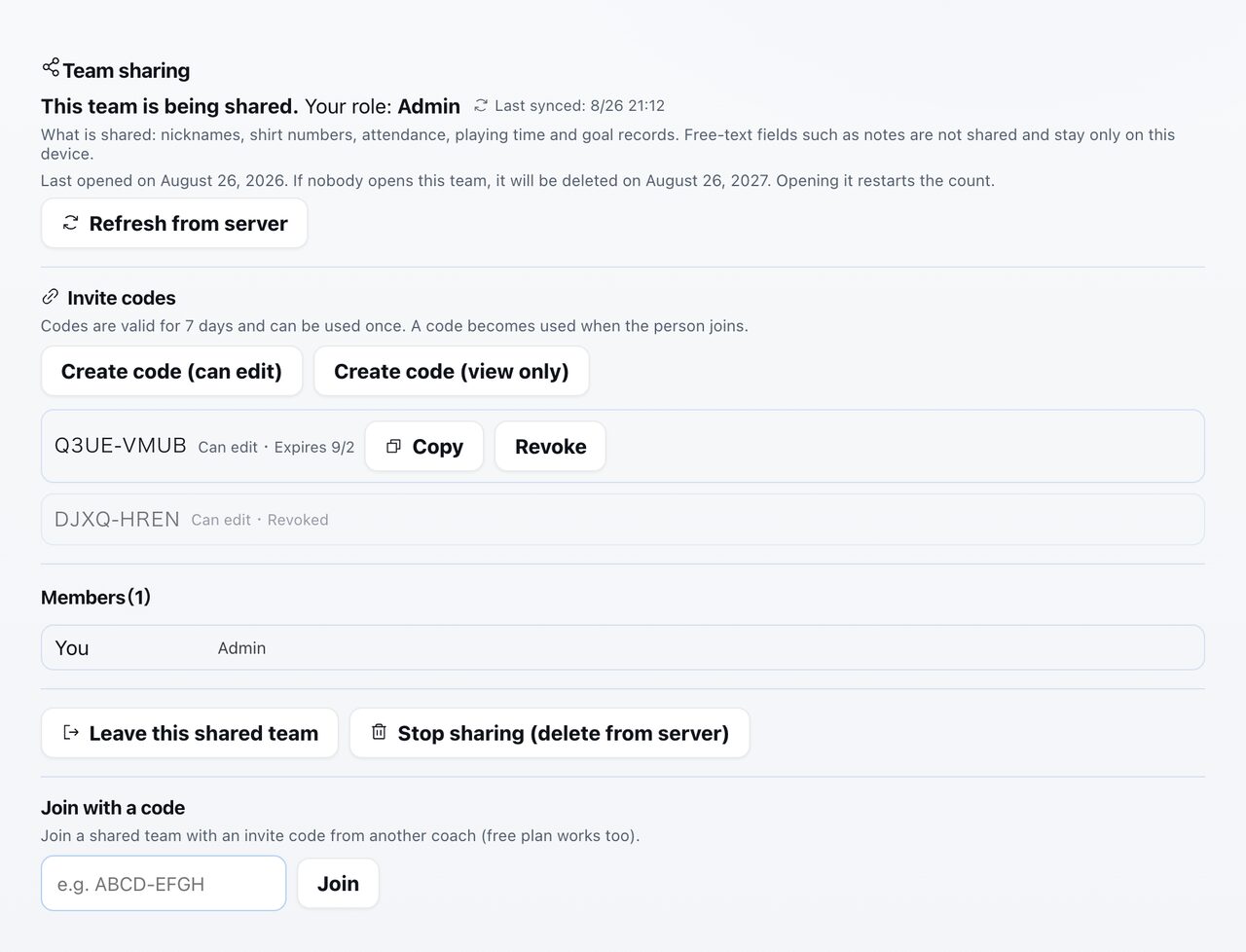
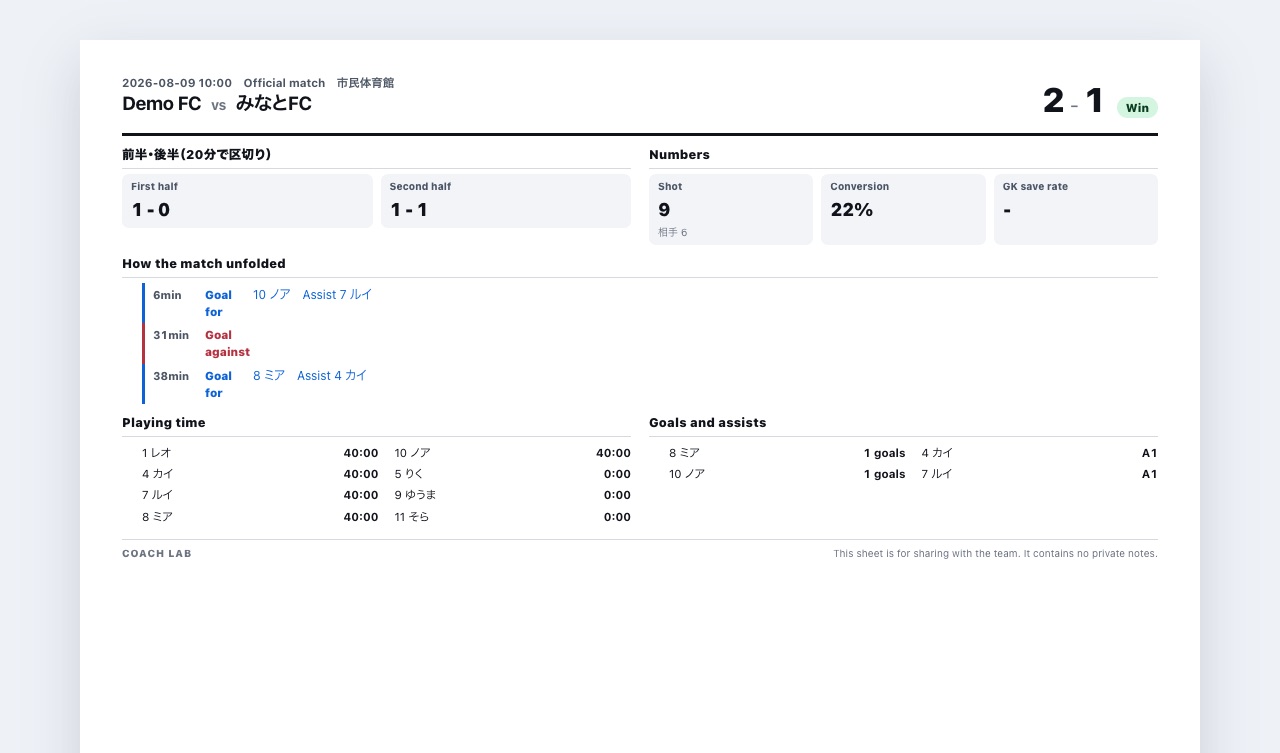
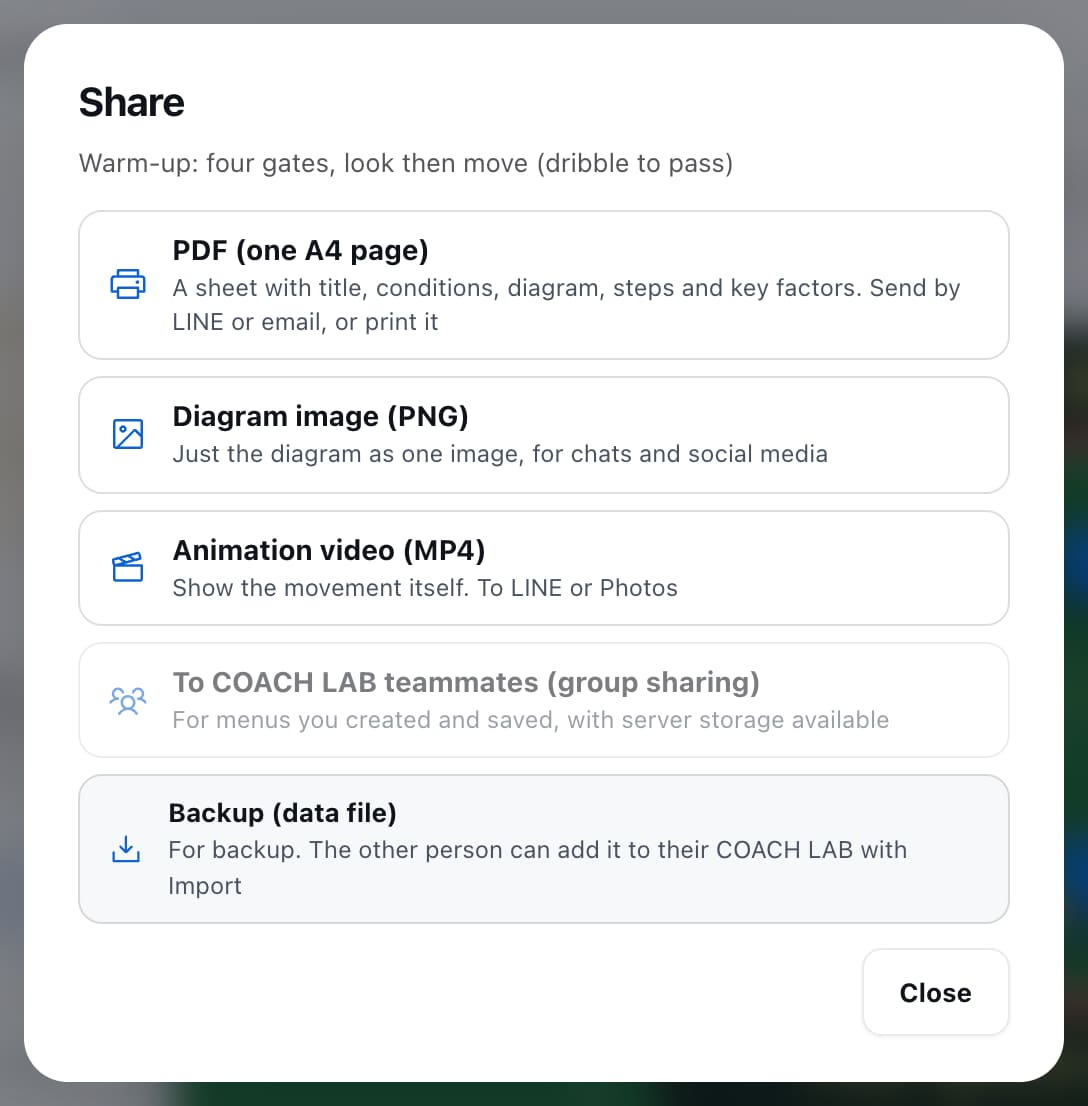
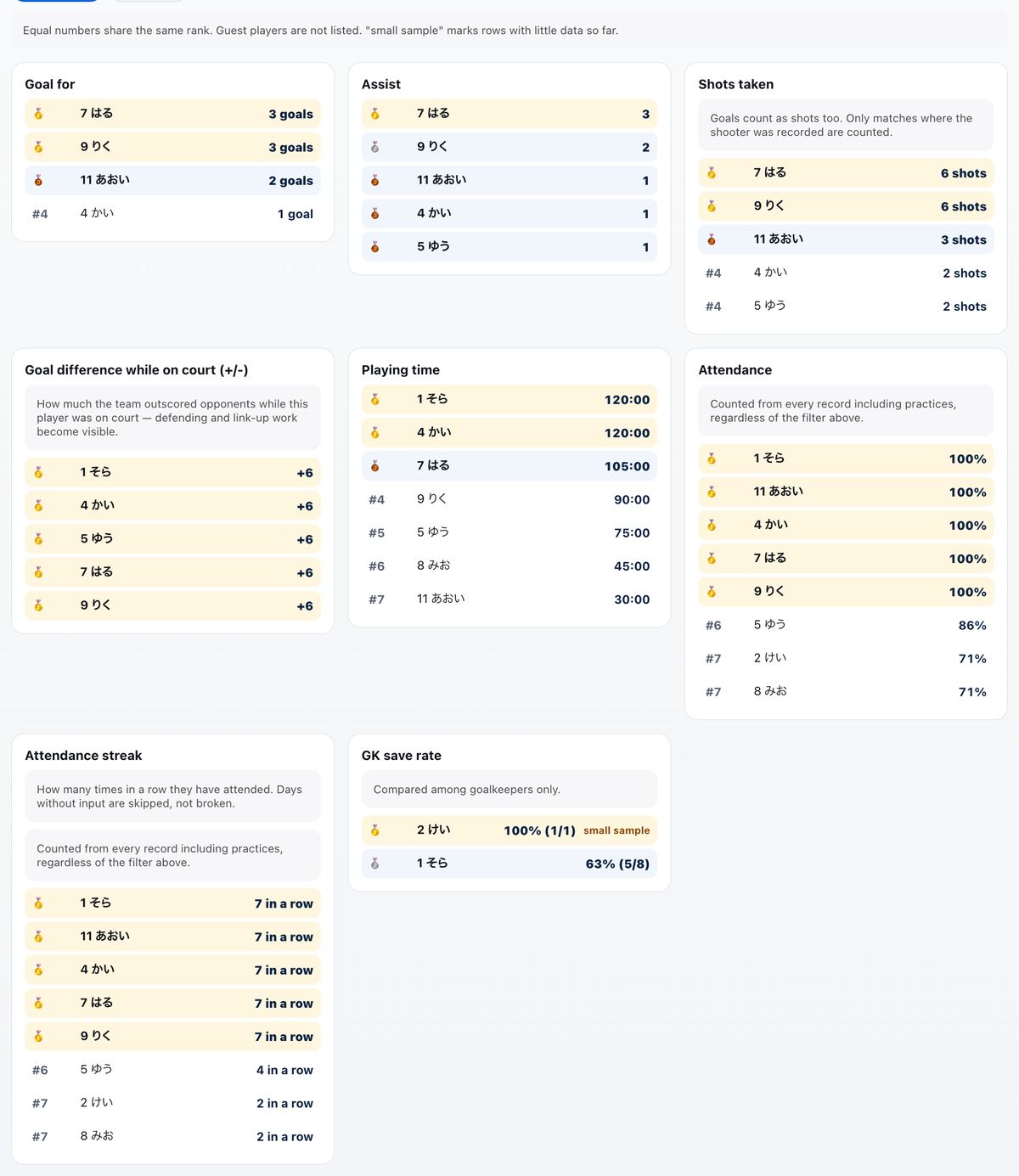
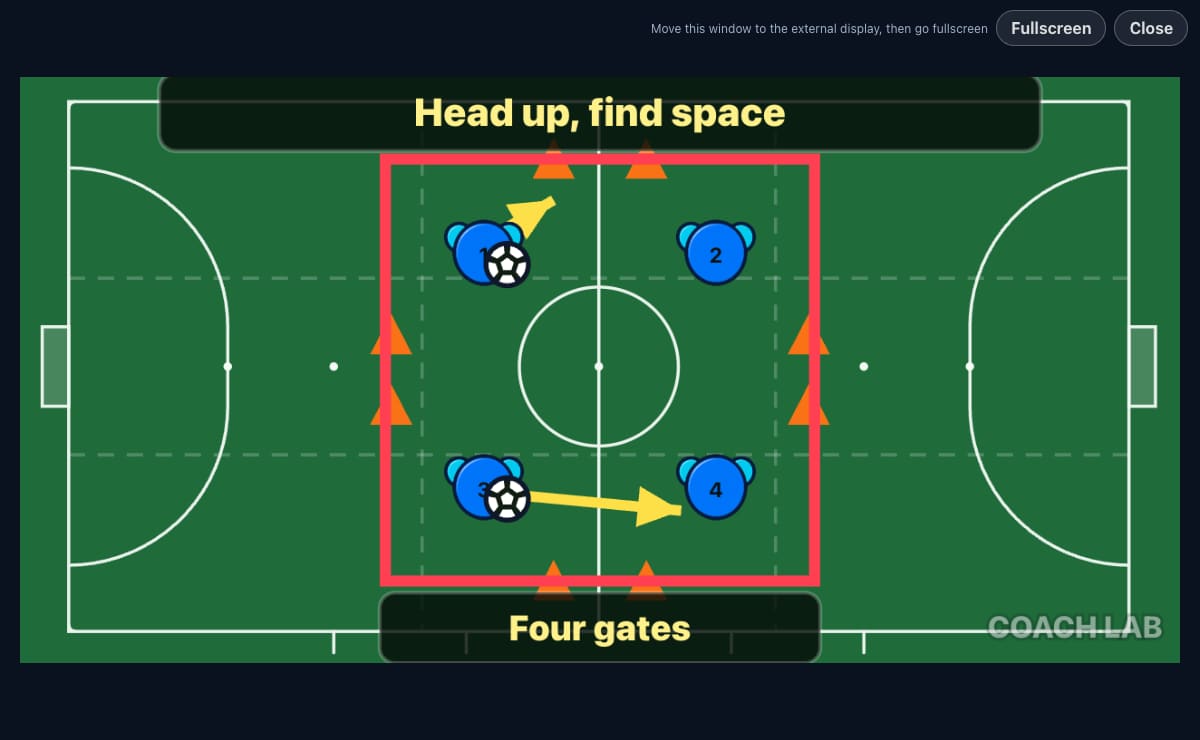
What a coach handles is also the players' information. So it was built this way from the start.
Video in the analysis board plays inside your browser only.
The app is used without real names or contact details.
Normally yours alone. Only when you start sharing can invited coaches see it.
It runs in the browser — nothing to install. The same account opens on a computer, iPhone or Android.
20 practice plans of your own, 3 tactics boards, 6 sessions and 1 video analysis (samples don't count). Team management and match records are free. At the limit you can still edit and print what you saved.
No. It plays inside your browser only.
Use nicknames and shirt numbers. Real names, contact details and health information are not to be entered.
Message us on Instagram or X (links at the bottom of this page).
COACH LAB is built by a futsal and football coach who uses it with their own team. Requests arrive through the feedback form in the app.
One tap with Google. No card required.
Start for free Already registered? Log inSee new features, practice diagrams and practical ways to use the tactics board.